
Ubiquiti UNVR-Pro 2U Grey
Ubiquiti UNVR-Pro 2U Grey
Guarantee
24 month
Delivery from Europe in
9 - 14
business days
| Operating temperature (T-T) | -5 - 40 °C |
| Power supply | 200,0000 |
| Height | 87,0000 |
| RAID levels | 1, 5, 10 |
| LED indicators | yes |
| Width | 442,0000 |
| Depth | 325,0000 |
| Product colour | grey |
| Ethernet LAN (RJ-45) ports | 1.0000 |
| Rack capacity | 2u |
| Wi-Fi | Nie |
| Number of HDDs supported | 7.0000 |
| Rack mounting | Tak |
| Operating relative humidity (H-H) | 5 - 95% |
| RAID support | Tak |
| HDD capacity | 0,0000 |
| AC input frequency | 50,0000 |
| Built-in display | Tak |
| Power consumption (max) | 165,0000 |
| Display diagonal | 1,3000 |
| Weight | 9200,0000 |
The Ubiauiti UNVR-Pro enterprise-class network video recorder can store footage from 50 Full HD or 15 4K cameras for 50 days .
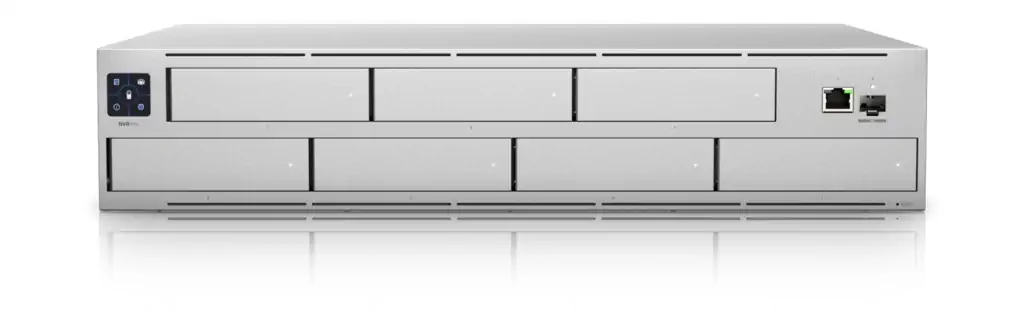
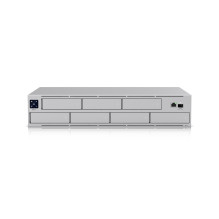
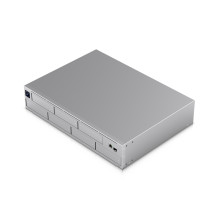
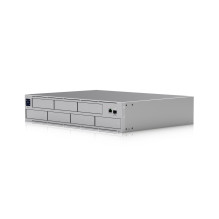
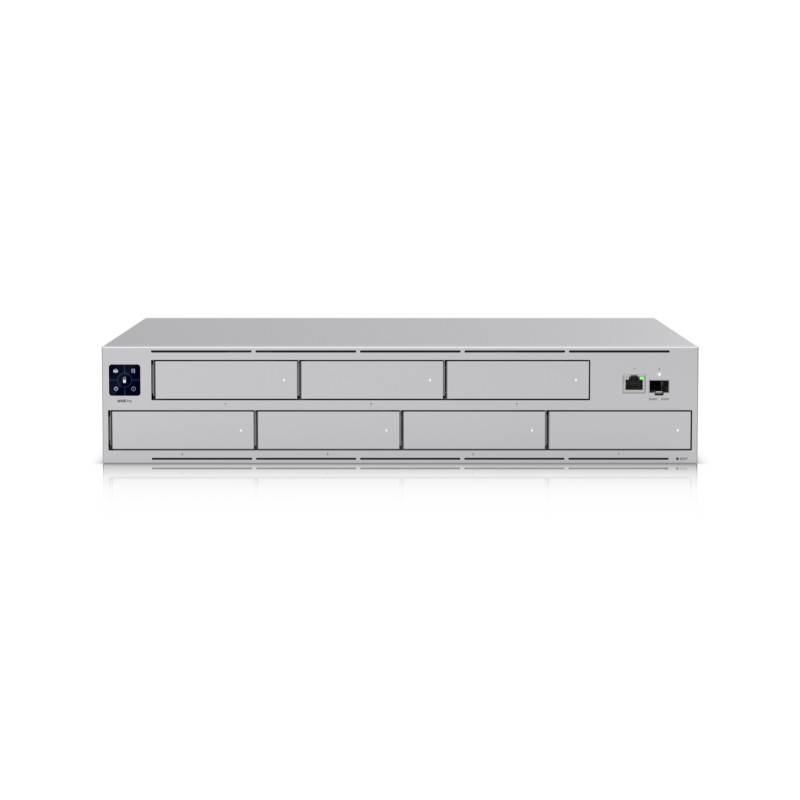
The potential of the UniFi Protect Network Video Recorder Pro allows you to greatly expand the built-in UniFi Protect system. The UNVR-Pro can accommodate up to seven SSD/HDD drives in a robust RAID 1, RAID 5 or RAID 10 array for ample video archive storage. A 1.3" front-facing touchscreen display provides quick access to operational information and previews.
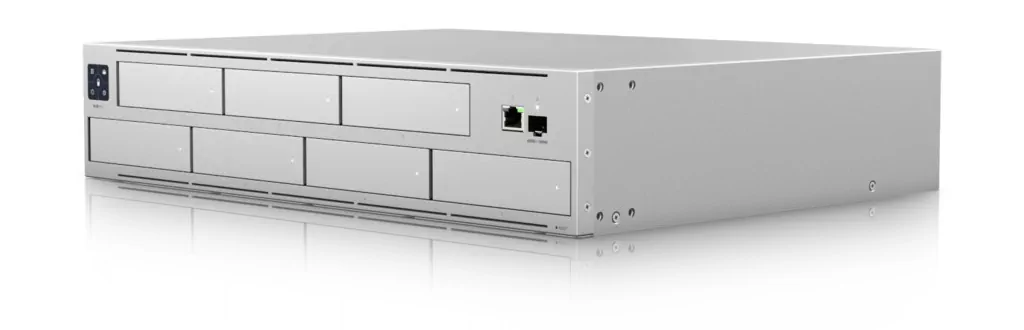
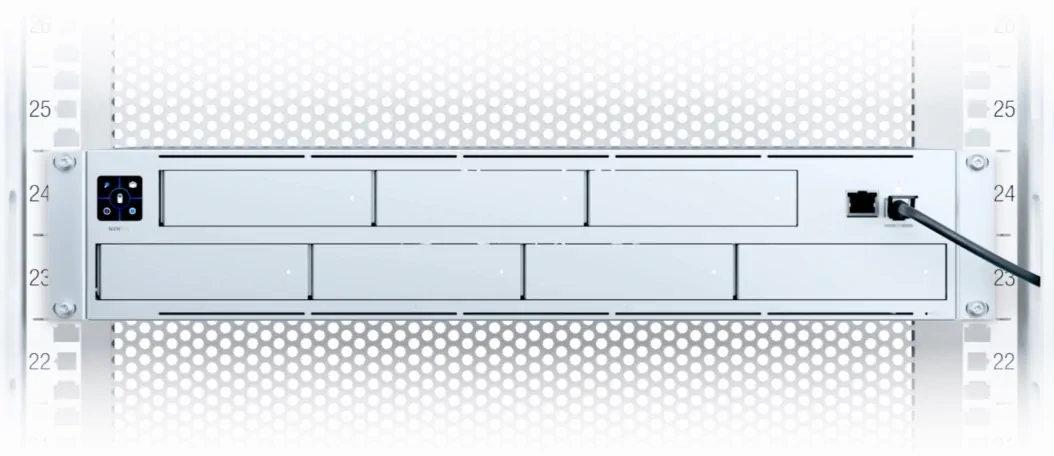
High availability of the UniFi Protect Network Video Recorder Pro is ensured with a high-speed 10G SFP port and a gigabit RJ45 LAN port. In the event of a power outage or power supply failure, a connector for the UniFi SmartPower Redundant Power System (USP-RPS) is provided. Ubiquiti engineers managed to fit the video recorder with up to 7 storage units in a compact chassis just 2U high, which can be mounted in a 19" rack .
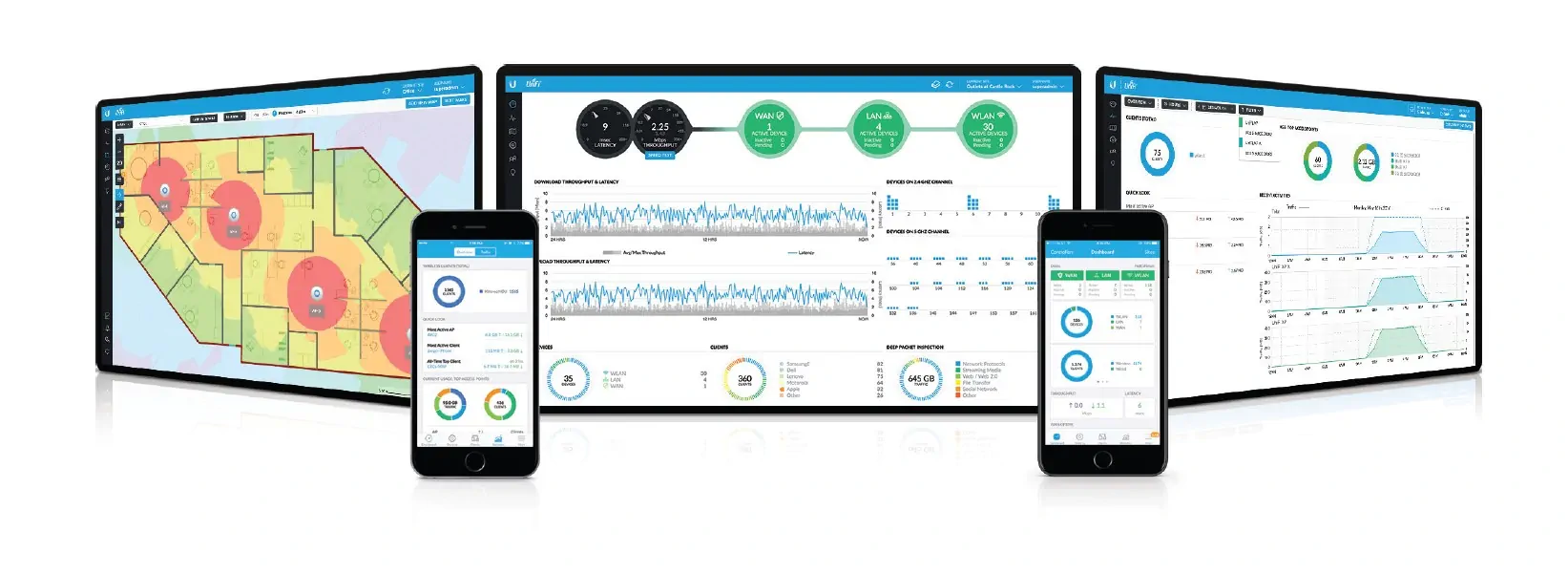
With UniFi OS Console , you can manage the Ubiquiti UNVR-Pro , as well as view recorded video and preview connected cameras in real time. But that's not all the features of UniFi OS Console ; it can support thousands of UniFi access points, map networks, quickly manage system traffic and add new UniFi access points (Access point) . Use the UniFi access point features to detect and eliminate nearby interference, analyze radio frequencies, select the optimal access point location and configure settings.