

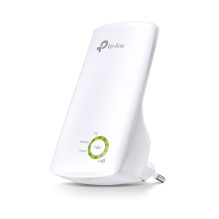
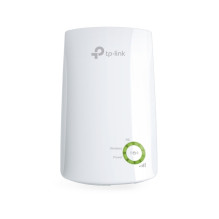
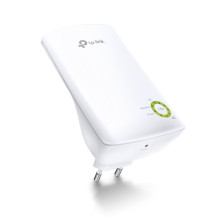
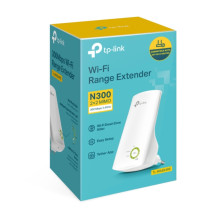
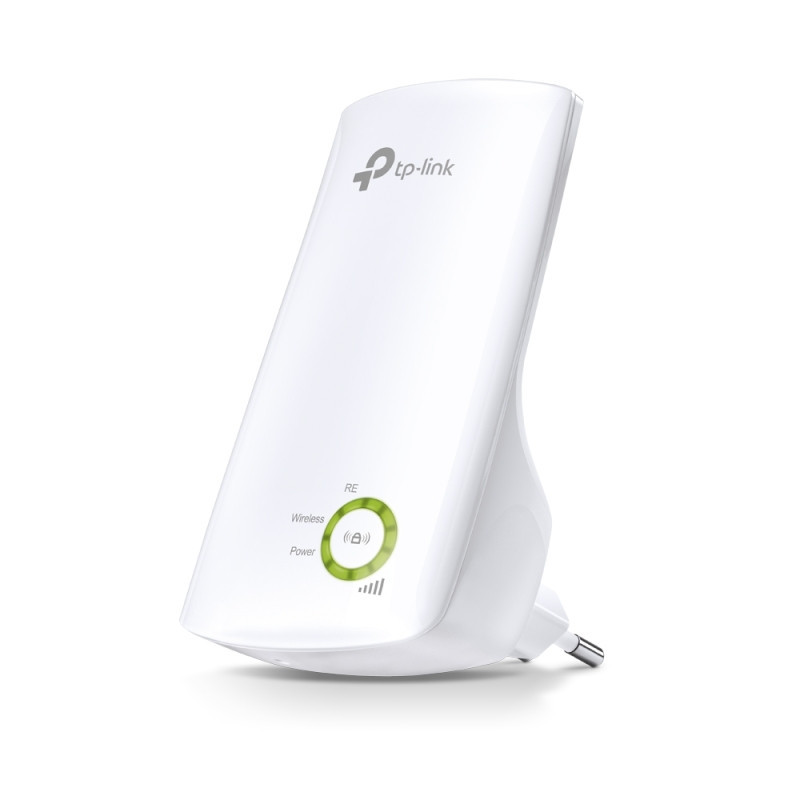

TP-LINK 300Mbps Wi-Fi Range Extender
TP-LINK 300Mbps Wi-Fi Range Extender
Guarantee
12 month
Delivery from Lithuania in
2 - 4
business days
Range Extender mode boosts wireless signal to previously unreachable or hard-to-wire areas flawlessly
Miniature size and wall-mounted design make it easy to deploy and move flexibly
Easily expand wireless coverage at a push of the Range Extender button
Tether App allows easy access and management using any mobile device
LED Control function includes a Night Mode for peaceful sleep
Boost Your Wireless Network
Tired of Wi-Fi 'dead zone'? TP-Link's range extender connects to your router wirelessly, strengthening and expanding its signal into areas it can't on its own. The device also reduces signal interference to ensure reliable Wi-Fi coverage throughout your home or office.
Easy Setup and Flexible Placement
Press the WPS button on your router and the Range Extender button on your 854RE within 2 minutes to easily connect to the network. Once connected with an existing router, you can simply unplug and plug the TL-WA854RE back in a location for the best signal quality and coverage in your house, without needing to configure the extender again.
Smart Signal Indicator Light
5 signal lights show the strength of signal that TL-WA854RE receives from the existing router, which can help to find the right location to place the range extender.
It's recommended that you choose a location where at least 3 signal light green in order to guarantee a good performance.
Tether App for Easy Use
Use any mobile device to easily access and manage various features, including the LED Control function's Night Mode, which allows you to enjoy a more peaceful night's sleep. You can download the Tether App for your IOS or Android phones.
| HARDWARE FEATURES | |
|---|---|
| Button | WPS Button, Reset Button |
| Power Consumption | 3.3W |
| Dimensions (W x D x H) | 65.8 × 75.2 × 110mm |
| Antenna | 2 Internal Antennas |
| HARDWARE | |
|---|---|
| Buttons | · Button: WPS Button, Reset Button |
| WIRELESS FEATURES | |
|---|---|
| Wireless Standards | IEEE 802.11b/g/n |
| Frequency | 2.4GHz |
| Signal Rate | 300Mbps at 2.4GHz |
| Reception Sensitivity | 2.4GHz: 11g 54Mbps: -80dBm, 11n HT20 MCS7: -79dBm 11n HT40 MCS7: -76dBm |
| Transmit Power | CE: <15dBm |
| Wireless Functions | Enable/Disable Wireless Radio, Power Schedule |
| Wireless Security | 64/128-bit WEP, WPA/WPA2-PSK encryptions |
| OTHERS | |
|---|---|
| Certification | CE, RoHS |
| Package Contents | 300Mbps Wi-Fi Range Extender TL-WA854RE Quick Installation Guide |
| System Requirements | Microsoft Windows 98SE, NT, 2000, XP, Vista™ or Windows 7, 8, 8.1, 10, MAC OS, NetWare, UNIX or Linux Internet Explorer 11, Firefox 12.0, Chrome 20.0, Safari 4.0, or other Java-enabled browser |