

-
−2%
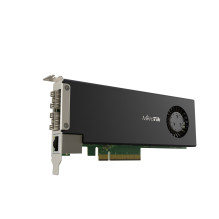
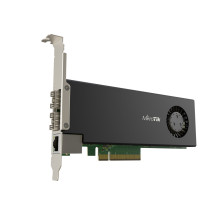
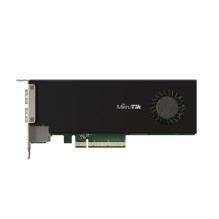
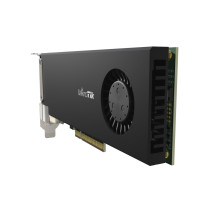

MIKROTIK Smart PCIe network interface card
MIKROTIK Smart PCIe network interface card
Guarantee
12 month
Delivery from Lithuania in
2 - 4
business days
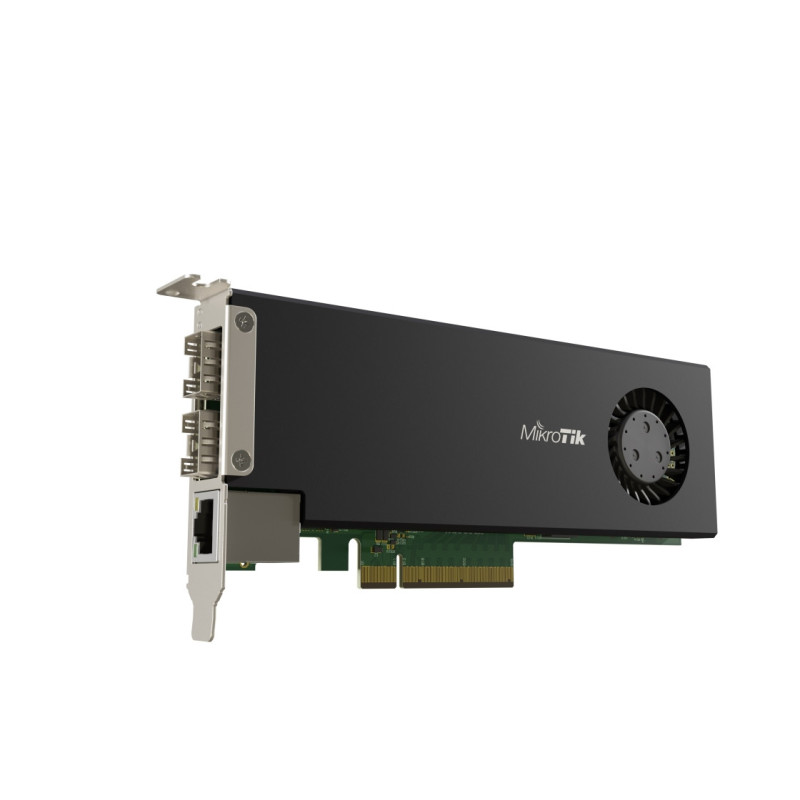
Reduce the space requirement in your server room by installing a true CCR2004 directly into the server! This unique product combines a simple 2x 25 Gigabit PCIe Ethernet adapter with the impressive capabilities of a full-fledged router.
By default, the PCIe interface will appear as four virtual Ethernet interfaces. Two interfaces will operate in 'passthrough' mode to the 25G SFP28 slots. The remaining two virtual Ethernet-PCIe interfaces will be connected to the Gigabit Ethernet port for management access. The user can freely configure all interfaces and settings, as a fully functional RouterOS system is running here.
To enable this CCR hardware to act as a network card, a new Passthrough mode has been implemented. This is essentially a FastForward FastPath mode that can also pass hardware connection states.
This NIC achieves wire-speed (100 Gbps) performance with Jumbo Frames, ensuring that this CCR NIC will not be a performance-limiting factor in most server configurations.
With 4 GB of RAM, 128 MB of NAND memory, and a powerful quad-core ARMv8 64-bit processor, this device can perform a wide range of functions: firewalls, user management, and access control on home media and file servers, as well as some traffic management work in data centers - without a separate router.
This form factor has some limitations that you should keep in mind. The CCR network card boots up a bit slower than ASIC-based devices. If the host system boots up before the CCR card, it will not be visible among the available devices. You should implement the delay initialization of PCIe devices feature in the BIOS settings after power-on. Otherwise, you will need to reinitialize the PCIe devices from the HOST system.
We look forward to your unique use cases for this unusual device: a simple high-speed network card connected to a powerful Cloud Core router.
| Product code | CCR2004-1G-2XS-PCIe |
| Architecture | ARM 64bit |
| CPU | AL52400 |
| CPU core count | 4 |
| CPU nominal frequency | 1500MHz |
| RouterOS license | 6 |
| Operating System | RouterOS |
| RAM size | 4GB |
| Storage size | 128MB |
| Storage type | NAND |
| MTBF | Approximately 200'000 hours at 25C |
| Tested ambient temperature | -20°C to 60°C |
Powering
| Details | |
|---|---|
| Max power consumption | 29 W |
| Max power consumption without attachments | 22W |
| Cooling type | 1 |
Ethernet
| Details | |
|---|---|
| 10/100/1000 Ethernet ports | 1 |
<5> Fiber
| Details | |
|---|---|
| Number of 25G SFP28 ports | 2 |
Other
| Details | |
|---|---|
| CPU temperature monitor | Yes |
| Current Monitor | Yes |
| PCB temperature monitor | Yes |
| Voltage Monitor | Yes |
Certifications Approvals
| Details | |
|---|---|
| Certification | CE, EAC, ROHS |
| IP | 20 |