

-
−21%
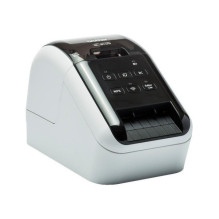
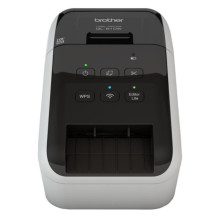
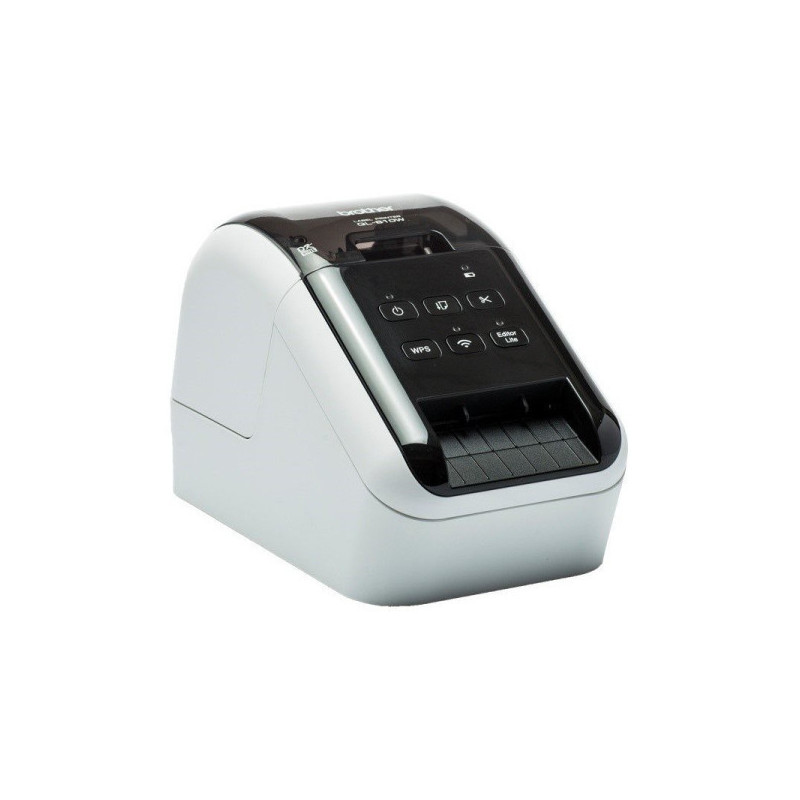
The Brother QL-810WC is a professional direct thermal label printer for offices, warehouses and e-commerce. It prints at speeds of up to 176 mm/sec and allows you to create labels up to 62 mm wide with a clear 300 dpi resolution. USB and Wi-Fi connectivity allow you to print from both your computer and mobile device. Integrated automatic cutter.
The printer kit includes: printer, DK-11201 (100 labels), DK-22251 (5 m long), power cord, USB cable, user manual, warranty card, quick start guide.
The Brother QL-810WC is a professional direct thermal label printer for offices, warehouses and e-commerce. It prints at speeds of up to 176 mm/sec and allows you to create labels up to 62 mm wide with a clear 300 dpi resolution. USB and Wi-Fi connectivity allow you to print from both your computer and mobile device. Integrated automatic cutter.
The printer kit includes: printer, DK-11201 (100 labels), DK-22251 (5 m long), power cord, USB cable, user manual, warranty card, quick start guide.
Guarantee
24 month
Delivery from Europe in
4 - 5
business days
 | Works with "Microsoft Word/Excel/Outlook" programs
Highlight, click and print text data directly from Word, Excel and Outlook with one click! The P-touch Editor add-in for Microsoft Office (Windows only) lets you print labels with the information you use every day. Or if you have text stored in a Excel or .csv file, you can import it into the P-touch Editor application. Simply place each field in a label layout to print multiple labels in the same format (design). Ideal for printing address, product and price labels.
|
 | Wired and wireless connectivity with AirPrint compatibility
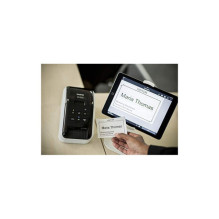
With both USB, built-in Wi-Fi and AirPrint as standard, you can choose whether to use the printer as a personal label printer on your desk or allow others to use it from their personal computers or "Mac" devices over your wireless network.
|
 | Print labels the way you want
This advanced label printer is designed for the needs of the busy workplace, yet is easy to set up and use. Using the same technology as USB pen drives, simply connect to your computer or "Mac" device and run the built-in software. There's no need to install printer drivers. Or download the free P-touch Editor label design software and printer drivers to create and print fully customized labels with text, frames, barcodes and images. Easily share the printer with colleagues over a wireless network using the P-touch Editor Lite LAN software.
|
 | Print from your computer, iPad, iOS, and Android devices
Choose from multiple label design and printing options. Download the free P-touch Editor label design software for PC and Mac to create labels with text, barcodes, images and frames. Or go to your app store and download the free iPrint Label app for iOS and Android devices, then quickly create and print labels from your mobile devices wirelessly.
|
 | Print labels of any size in black and red
The rolls are available with a variety of standard cut-off (pre-set size) labels or continuous length labels that allow the built-in cutter to cut the label precisely (up to one meter long). And now you can draw attention to important information by including red* on your labels - perfect for highlighting expiration dates, allergens and other important information.
*requires DK-22251 roll
|
 | Additional lithium-ion battery
There are situations where kai may need to print labels away from a power source, such as when using a portable cart and printing from a tablet in retail, healthcare, or similar industries. The optional lithium-ion battery has a fast-charging feature and can print thousands of labels on a full charge.
|
 | A wide range of labels for any application
The QL series label printers use Brother DK rolls that are easy to load for quick label changes. Several types are available:
· Self-adhesive labels made of paper and plastic film are cut to predetermined sizes.
· Continuous adhesive labels made of paper and plastic film that can be cut to the required length (up to 1 meter).
· The non-stick card is perfect for receipts and name badges.
· Removable adhesive labels for possible repositioning.
|
| Warranty (months) | 36 |
| Tape width | Up to 62 mm |
| Complete set | Printer, DK-11201 (100 labels), DK-22251 (5 m long), power cord, USB cable, user manual, warranty card, quick setup guide |
| Dimensions | 125 x 234 x 145 mm |
| MPN | QL810WCZW1 |
| Connection interface | USB, WiFi |
| Supported operating system | macOS |
| Purpose | For small businesses |
| Printing from a mobile phone | Yes |
| Printing width | Up to 60.96 mm |
| Print resolution (dpi) | 300x300 |
| Printing speed | 176 mm/s |
| Weight | 1.12 kg |