



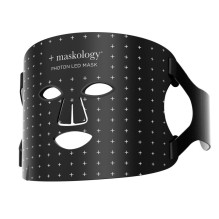
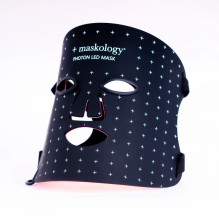
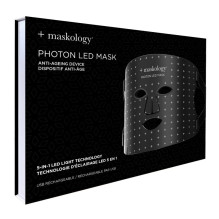
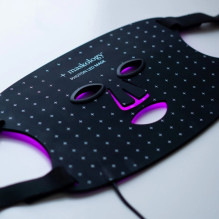
PHOTON LED Light Therapy Face Mask LED face mask, 1 pc
PHOTON LED Light Therapy Face Mask LED face mask, 1 pc
Guarantee
24 month
Delivery from Lithuania in
2 - 5
business days
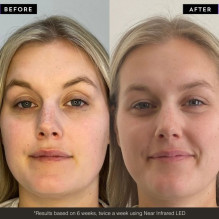
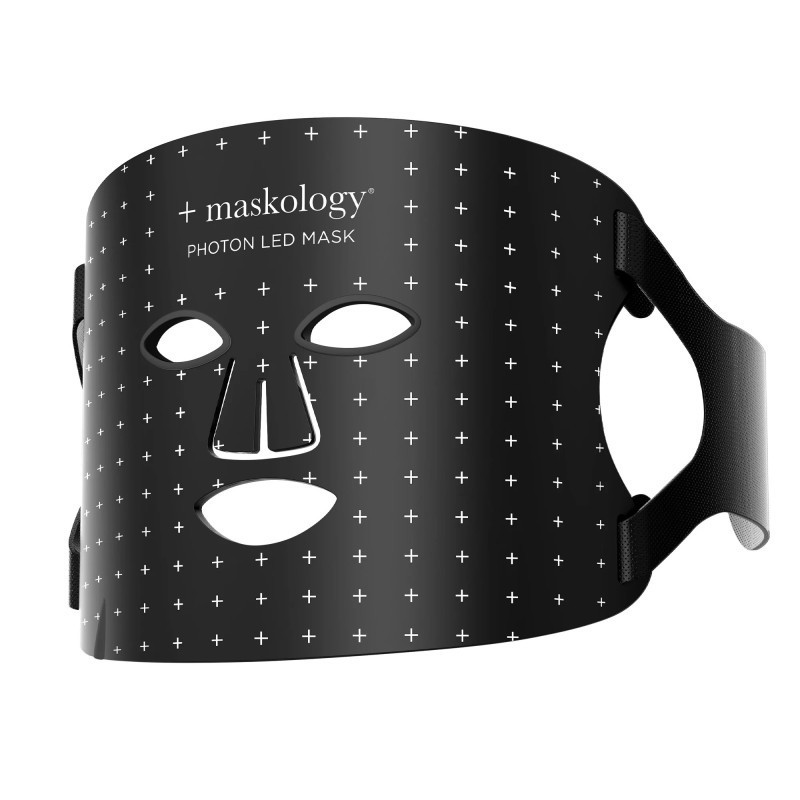
Take your skincare routine to the next level with the +maskology PHOTON LED Mask. The device is designed for use on acne-prone, mature, tired skin that has lost its elasticity.
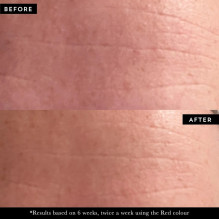
+maskology PHOTON LED Mask uses 108 light points and 5 LED light therapy colors to deliver high-quality, high-intensity energy to the skin.
Light therapy wavelengths
Red light: 630 nm
Blue light: 450 nm
Yellow light: 580 nm
Infrared light: 830 nm
Purple light: 560 nm
Power indicator
50 mW/cm²
Always store the LED Photon Mask flat in the box provided.
Please DO NOT BEND or WRAPP the LED mask.
Repeatedly bending or wrapping the silicone LED mask may damage its internal circuitry and cause malfunction.
Manufacturer: Hive of Beauty Ltd
Suite 1, 7th Floor, 50 Broadway, London SW1H 0DB
Responsible person EU: BEAUTYPRO Products Ltd.
Inniscarra, Main Street, Co. Dublin D24 E029, Ireland
sales@hiveofbeauty.co.uk
HOW TO USE:
Fully charge the hand controller before first use.
Using the velcro strips, attach the straps to the sides of the mask and insert the eye protectors.
Plug the cable into the hand controller port.
Cleanse your skin and pat dry with a towel.
Hold the mask close to your face to find the most comfortable position. Using the straps, fasten the velcro closure at the back of your head. You can adjust the straps to make the mask fit comfortably.
Make sure the eye protection fits snugly against your face to prevent light leakage.
Press and hold the power button for 2 seconds to turn on the mask.
Press the power button to select another mode and the time button to set the duration of the procedure. You can choose 10, 20 or 30 minutes.
When the set time is up, the device will automatically turn off. If you want to turn it off during the procedure, hold the power button for 2 seconds.
Finish your skincare routine with sheet masks, serum, moisturizer, or oil.
For best results, repeat the procedure 3-5 times a week.
Charging
Connect the controller to the adapter using the USB charging cable.
Plug in. The display will light up and the battery symbol will move while charging.
Charging time - 2.5 hours.
A steady battery symbol indicates a full charge. Do not overcharge - when fully charged appears, unplug from the mains.
A fully charged controller will operate for approximately 1 hour using blue or red light mode. When using infrared or purple light mode, the battery life is approximately 30-40 minutes.
| Weight | 0.100 kg. |