

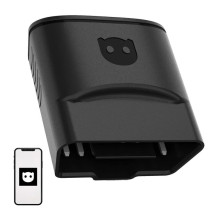
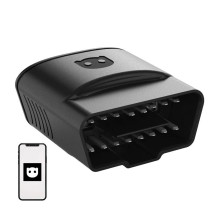
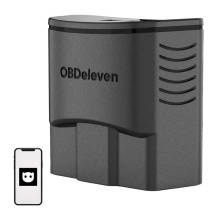
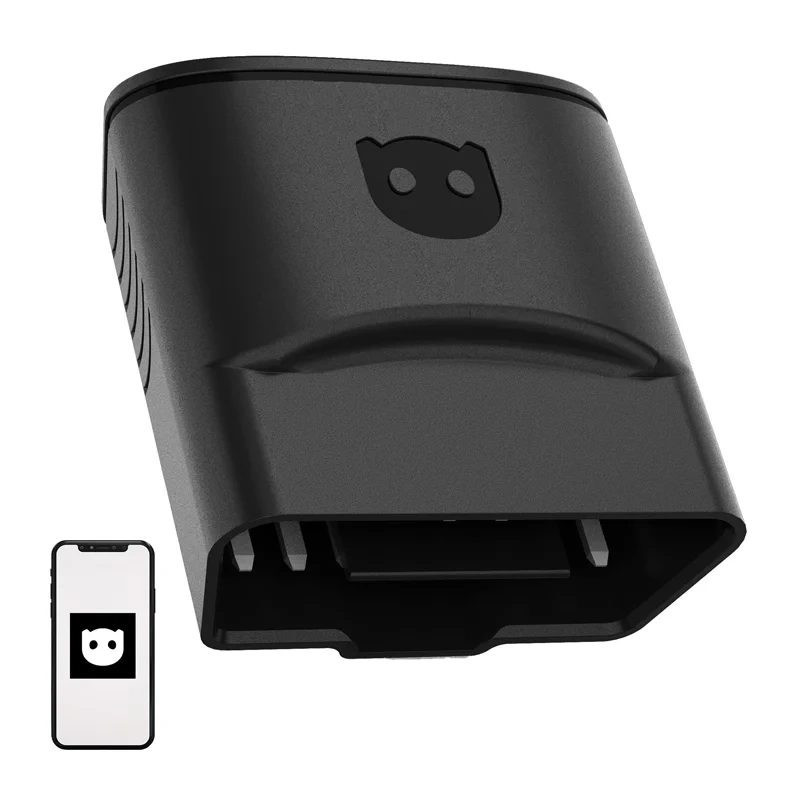

OBDeleven 3 - Bluetooth OBD2 diagnostic scanner for vehicles manufactured since 2008 with CAN or CAN-FD support. The free plan includes 500 credits for One-Click Apps features, and the mobile app allows you to read and erase error codes, monitor data in real time, and diagnose car systems.
OBDeleven 3 - Bluetooth OBD2 diagnostic scanner for vehicles manufactured since 2008 with CAN or CAN-FD support. The free plan includes 500 credits for One-Click Apps features, and the mobile app allows you to read and erase error codes, monitor data in real time, and diagnose car systems.
Guarantee
24 month
Delivery from Europe in
15 - 16
business days
OBDeleven 3 is a Bluetooth OBD2 diagnostic scanner designed for vehicles manufactured since 2008 that support CAN or CAN-FD. The FREE plan includes 500 credits for One-Click Apps, and the mobile app allows you to read and erase error codes, monitor data in real time, and perform diagnostics on vehicle systems.
Product information | |
|---|---|
| Product type | Wireless OBD2 diagnostic scanner |
| Brand | OBDeleven |
| Model | OBDeleven 3 |
| Plan | FREE plan with 500 credits |
| Connection | Bluetooth via OBDeleven mobile app |
Technical specifications | |
| Supported protocols | CAN and CAN-FD |
| Power source | Vehicle OBD2 connector, 12 V |
| Power saving mode | Yes |
| Required device | Smartphone with Bluetooth and internet access |
| Compatible app platforms | Android, iOS and Huawei AppGallery |
Supported vehicles | |
| Compatibility | Vehicles manufactured since 2008 with CAN bus |
| Supported producer groups | Volkswagen Group, BMW Group, Toyota Group, and Ford Group models sold in the United States |
Additional features | |
| Diagnostic functions | Checking vehicle systems, reading and erasing error codes, real-time data monitoring |
| One-Click Apps | Compatible functions for customizing vehicle functions, changing comfort and safety settings, and resetting maintenance intervals using credits |
| Manual programming | Coding and adaptation of compatible VAG vehicles |
| Vehicle information | VIN, model year, mileage, engine code and body type |
| Hybrid battery monitoring | Temperature and balancing monitoring of compatible Toyota and Lexus hybrid and electric vehicle components |
| Car purchase assistant function | Vehicle inspection to help identify potential problems before buying a used car |
Safety warning | |
| Warning | Use only with compatible vehicles and follow the manufacturer's instructions. Connect or disconnect the scanner when the vehicle is safely parked. Do not use any coding or configuration functions unless you understand their effects, as improper changes may affect the operation of the vehicle. |
| Height | 60mm |
| Length | 120mm |
| Weight | 80 g |
| Width | 100mm |