

-
−1%
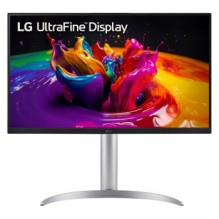 3840 x 2160 pixels 4K Ultra HD White")
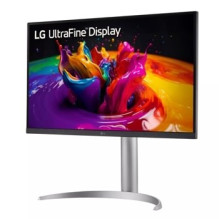 3840 x 2160 pixels 4K Ultra HD White")
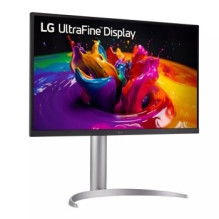 3840 x 2160 pixels 4K Ultra HD White")
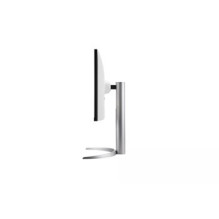 3840 x 2160 pixels 4K Ultra HD White")
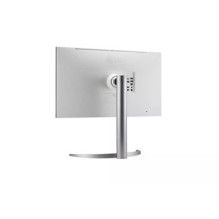 3840 x 2160 pixels 4K Ultra HD White")
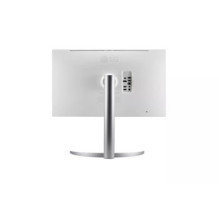 3840 x 2160 pixels 4K Ultra HD White")
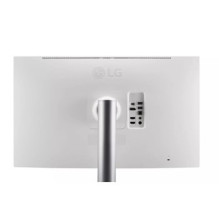 3840 x 2160 pixels 4K Ultra HD White")
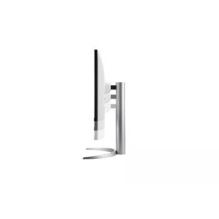 3840 x 2160 pixels 4K Ultra HD White")
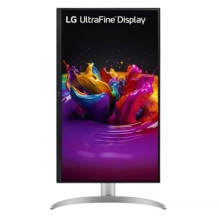 3840 x 2160 pixels 4K Ultra HD White")
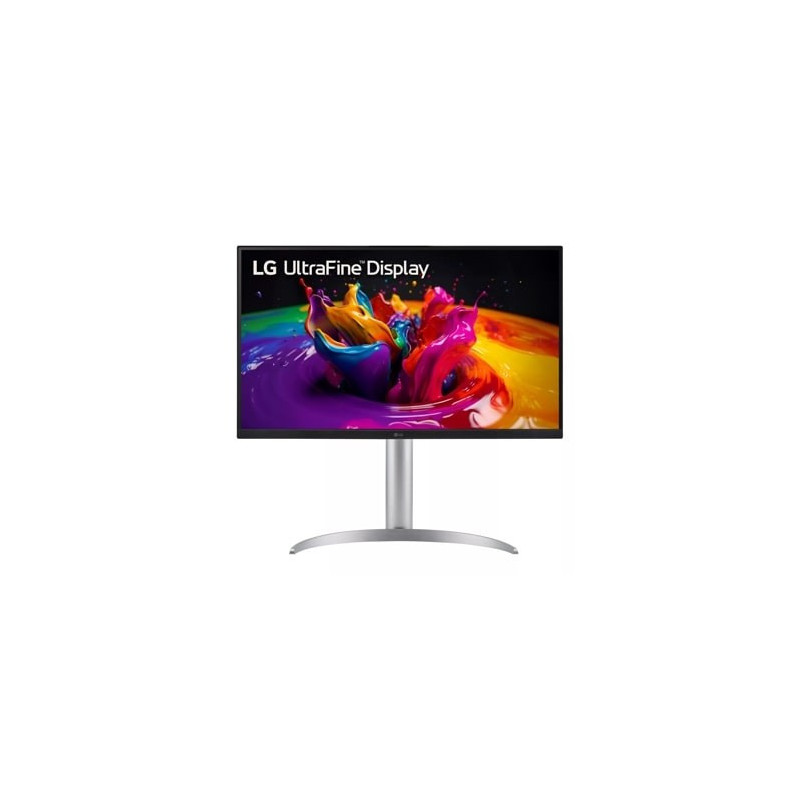 3840 x 2160 pixels 4K Ultra HD White")

LG 32UQ850V-W LED display 81.3 cm (32") 3840 x 2160 pixels 4K Ultra HD White
LG 32UQ850V-W LED display 81.3 cm (32") 3840 x 2160 pixels 4K Ultra HD White
Guarantee
24 month
Delivery from Europe in
4 - 8
business days
| AC input frequency | 50/60 Hz |
| AC input voltage | 100 - 240 V |
| AMD FreeSync | Yes |
| Built-in camera | No |
| Built-in USB hub | Yes |
| Cables included | DisplayPort, HDMI, USB Type-A to Micro USB Type-B, USB Type-C |
| Contrast ratio (typical) | 2000:1 |
| DCI-P3 coverage | 98% |
| Display diagonal | 81.3 cm (32") |
| Display number of colours | 1.073 billion colours |
| Display resolution | 3840 x 2160 pixels |
| Display technology | LED |
| Energy efficiency class (SDR) | G |
| European Product Registry for Energy Labelling (EPREL) code | 1850789 |
| Flicker-free technology | Yes |
| HD type | 4K Ultra HD |
| HDMI | Yes |
| Headphone out | Yes |
| Height adjustment | Yes |
| High Dynamic Range (HDR) supported | Yes |
| High Dynamic Range (HDR) technology | DisplayHDR 400, HDR Effect |
| LED backlight | Yes |
| Market positioning | Home |
| Maximum refresh rate | 60 Hz |
| Native aspect ratio | 16:9 |
| Panel mounting interface | 100 x 100 |
| Panel type | IPS |
| Pivot | Yes |
| Pixel pitch | 0.1554 x 0.1554 mm |
| Power consumption (PowerSave) | 0.5 W |
| Power supply type | External |
| Product colour | White |
| Response time | 5 ms |
| Response time measurement type | GTG (Gray to Gray) |
| Screen shape | Flat |
| Tilt adjustment | Yes |
| Touchscreen | No |
| USB Power Delivery up to | 90 W |
| VESA mounting | Yes |
| Viewing angle, horizontal | 178° |
| Viewing angle, vertical | 178° |
| Warnings | Do not disassemble the monitor casing to avoid risk of electric shock., Place the monitor on a flat and stable surface to avoid tipping and damage., Unplug the monitor from the power source before cleaning. |