

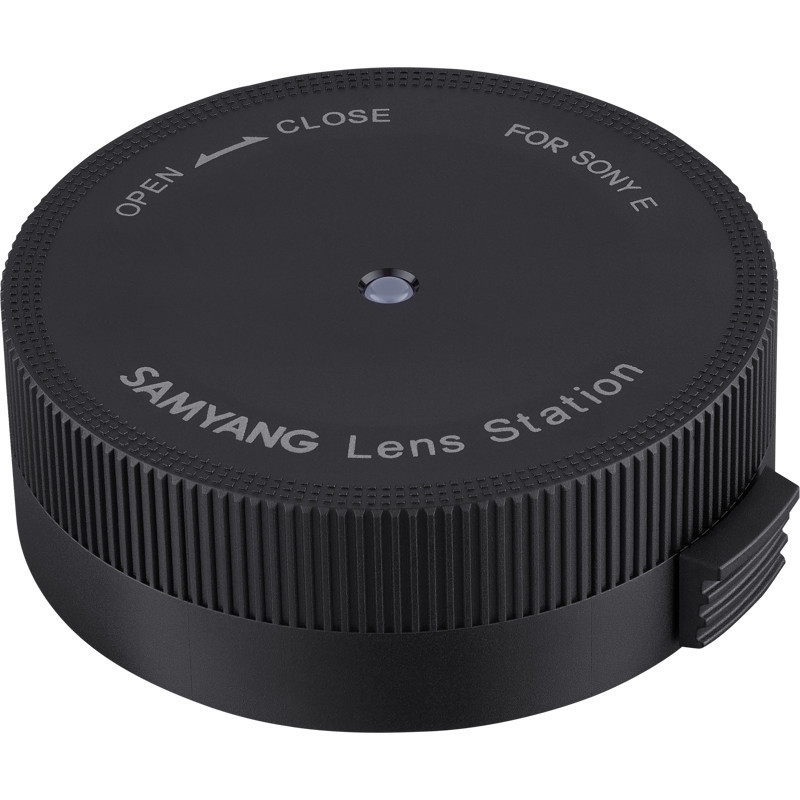

Lens docking station "Samyang" for autofocus lenses with Canon EF mount. Connect to a Mac or Windows computer via USB to update firmware and adjust autofocus, aperture, and manual focus ring sensitivity.
Lens docking station "Samyang" for autofocus lenses with Canon EF mount. Connect to a Mac or Windows computer via USB to update firmware and adjust autofocus, aperture, and manual focus ring sensitivity.
Guarantee
24 month
Delivery from Europe in
15 - 16
business days
Samyang Lens Station for Canon EF mount autofocus lenses. Connects to a Mac or Windows computer via USB for firmware updates and adjustment of autofocus, aperture, and manual focus ring sensitivity.
Product information | |
|---|---|
| Product type | Lens Dock |
| Products Brand | Samyang |
| Model | Lens Station Canon EF |
| Connector Compatibility | Canon EF |
Technical Information | |
| Connector | USB Connection to Computer |
| Compatible Software | Samyang Lens Manager |
| Supported computer systems | macOS X and Windows |
| Supported lenses | Samyang autofocus lenses with Canon EF mount |
Functions | |
| Firmware management | Updating the firmware of compatible lenses via a connected computer |
| Adjusting lens settings | Adjusting the sensitivity of the autofocus, aperture, and manual focus ring |
Safety information | |
| Safety warning | Use the lens dock only with compatible "Samyang" autofocus lenses with a Canon EF mount. When updating the firmware or changing lens settings, follow the instructions in the "Lens Manager" software. |
| Height | 80 mm |
| Length | 120 mm |
| Weight | 300 g |
| Width | 120 mm |