

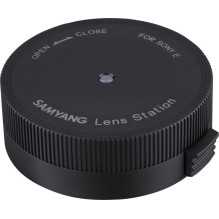
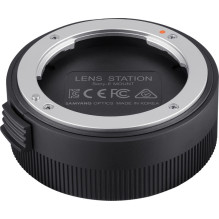
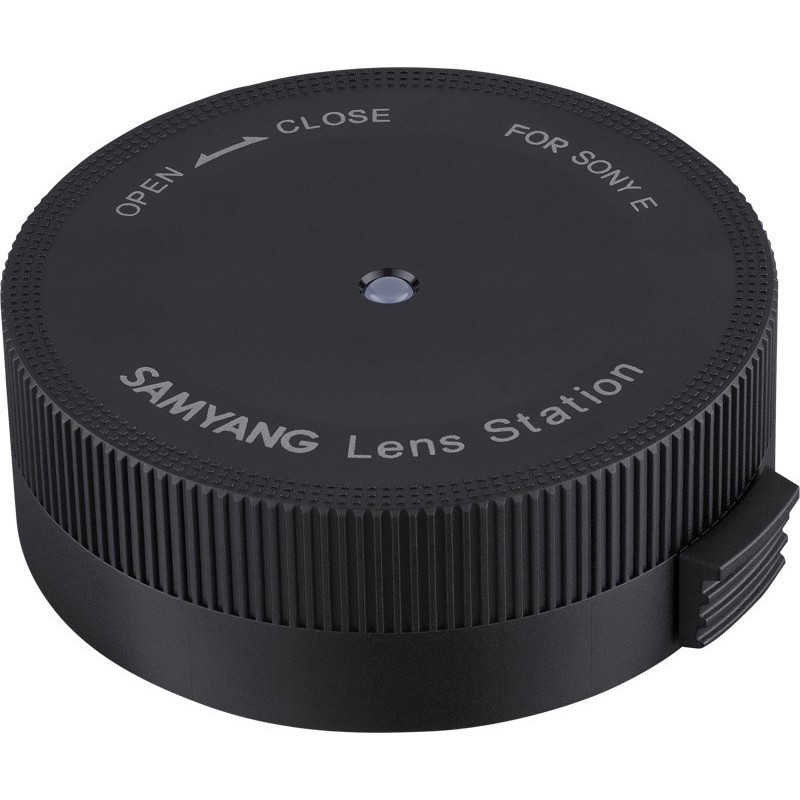

Lens mount for Samyang autofocus lenses with Canon RF mount. Connect to a Mac or Windows computer via USB to update firmware and adjust autofocus, aperture, and manual focus ring settings.
Lens mount for Samyang autofocus lenses with Canon RF mount. Connect to a Mac or Windows computer via USB to update firmware and adjust autofocus, aperture, and manual focus ring settings.
Guarantee
24 month
Delivery from Europe in
15 - 16
business days
Samyang Lens Station for Canon RF-mount autofocus lenses. Connects to a Mac or Windows computer via USB for firmware updates and adjustment of autofocus, aperture, and manual focus ring settings.
Product information | |
|---|---|
| Product type | Camera lens dock |
| Brand | Samyang |
| Compatibility | Samyang autofocus lenses with Canon RF mount |
Connection and software | |
| Connecting to a computer | USB connection to a Mac or Windows computer |
| Required software | Samyang Lens Manager |
| Software languages | Multiple languages including English, German, Spanish and French |
Adjustable lens functions | |
| Firmware management | Lens firmware updates |
| Customization | Autofocus, aperture and manual focus ring settings |
| Usage | Use only with compatible Samyang autofocus lenses with Canon RF mount and Samyang Lens Manager software. |
| Height | 150 mm |
| Length | 150 mm |
| Weight | 450 g |
| Width | 150 mm |