

- New
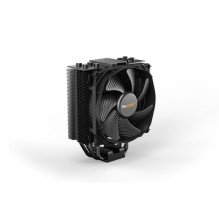
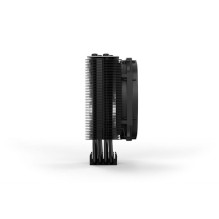
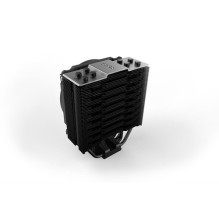
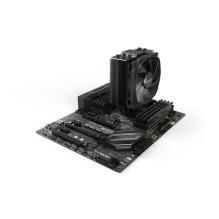
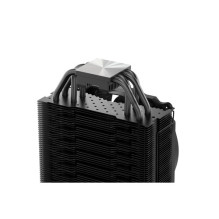
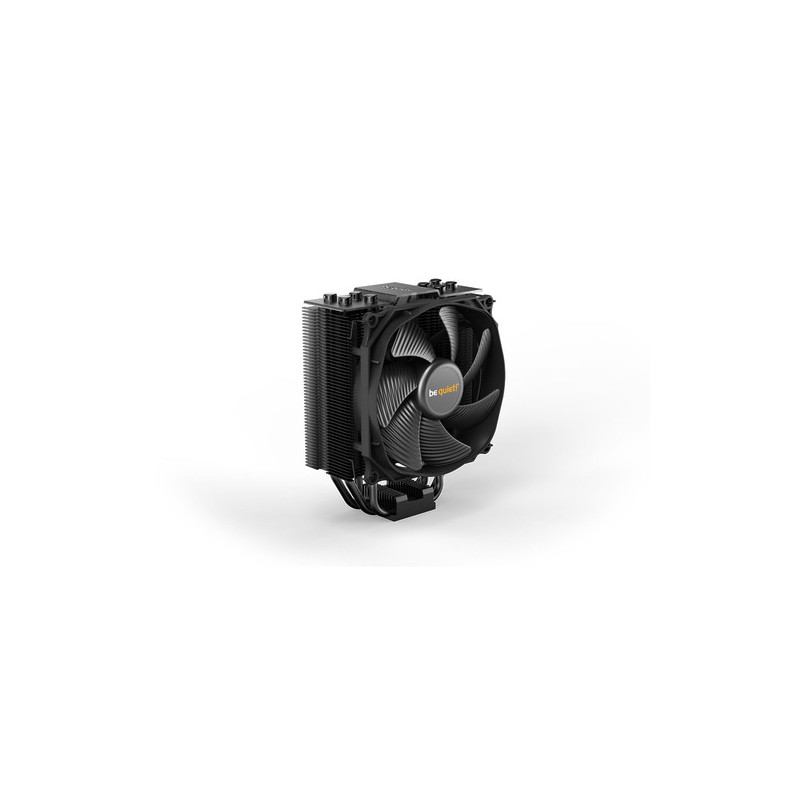

be quiet! Dark Rock Slim CPU Cooler (BK024)
be quiet! Dark Rock Slim CPU Cooler (BK024)
Guarantee
24 month
Delivery from Europe in
13 - 18
business days
| Technical details | |
|---|---|
| Compliance certificates | RoHS |
| Design | |
| Certification | CE |
| Product colour | Black |
| Number of fins | 51 |
| Number of heat pipes | 4 |
| Number of fans | 1 fan(s) |
| Display type | Not applicable |
| Fins material | Aluminium |
| Fan connector | 4-pin |
| Illumination LED | No |
| Base plate material | Copper |
| Power | |
| Power consumption (typical) | 0.96 W |
| Rated current | 0.08 A |
| Thermal Design Power (TDP) | 180 W |
| Rated voltage | 12 V |
| Weight & dimensions | |
| Cable length | 0.22 m |
| Weight | 620 g |
| Package depth | 115 mm |
| Width | 127 mm |
| Heat pipes diameter | 6 mm |
| Package height | 190 mm |
| Package weight | 993 g |
| Height | 159.4 mm |
| Package width | 190 mm |
| Depth | 72 mm |
| Fan dimensions (W x D x H) | 120 x 120 x 23 mm |
| Performance | |
| Pulse-width modulation (PWM) support | Yes |
| Supported processor sockets | Socket AM4, LGA 1700, LGA 1200 (Socket H5), LGA 1150 (Socket H3), Socket AM5, LGA 2011 (Socket R), LGA 1155 (Socket H2), LGA 2066, LGA 1151 (Socket H4), LGA 2011-v3 (Socket R) |
| Bearing type | Fluid Dynamic Bearing (FDB) |
| Rotational speed (max) | 1500 RPM |
| Fan diameter | 12 cm |
| Type | Air cooler |
| Noise level (low speed) | 11 dB |
| Suitable location | Processor |
| Noise level (high speed) | 23.6 dB |
| Packaging content | |
| Mounting kit | Yes |
| Manual | Yes |
| Other features | |
| Thermal grease | Yes |
| Heatsink dimensions (W x D x H) | 127 x 47.4 x 159.4 mm |
| Logistics data | |
| Master (outer) case gross weight | 17.2 kg |
| Harmonized System (HS) code | 84733080 |
| Master (outer) case width | 400 mm |
| Products per master (outer) case | 16 pc(s) |
| Master (outer) case length | 475 mm |
| Master (outer) case height | 410 mm |
| Safety warning | |
| Warnings | Take appropriate precautions during installation to avoid damage to computer components., Ensure that the unit is switched off before starting to assemble or dismantle the cooling unit., Do not touch the fan during operation. |