

- 1-2b.d
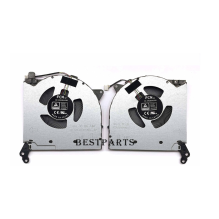
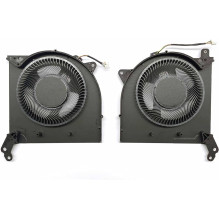
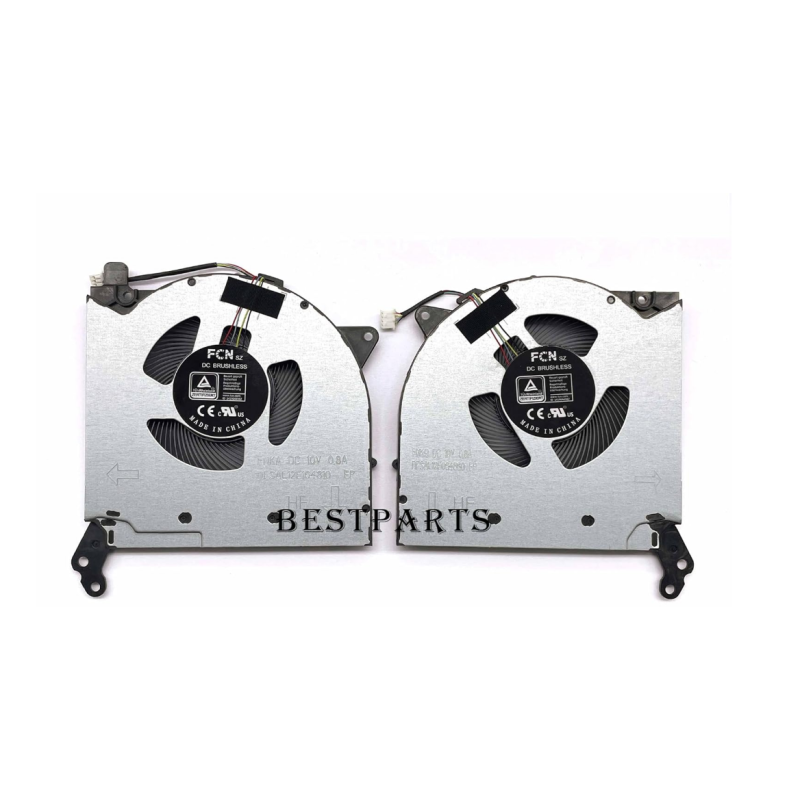

Lenovo Legion 5-15ACH6 5-15ACH6H GPU+CPU 5V 2020 laptop fans. We provide coolers/fan replacement, dust cleaning services throughout Lithuania.
Lenovo Legion 5-15ACH6 5-15ACH6H GPU+CPU 5V 2020 laptop fans. We provide coolers/fan replacement, dust cleaning services throughout Lithuania.
LE-62F
5F10S13917 DFS5K323181A1C
Lenovo Legion 5-15ACH6 5-15ACH6H GPU 5V 2020
Lenovo Legion 5-15ACH6H 5-17ACH6H Y7000P 2021
12 months / 24 months if replaced by our service
KODAS: LE-62F
5F10S13917 DFS5K323181A1C
Lenovo Legion 5-15ACH6 5-15ACH6H GPU 5V 2020
Lenovo Legion 5-15ACH6H 5-17ACH6H Y7000P 2021
A hot and roaring computer To prevent your computer from overheating, you should regularly clean it of dust and dirt. Dust that accumulates on the computer can cause an increase in heat, and if the temperature rises above 35 degrees, there is a risk of the computer overheating and malfunctioning. It can be suspected that computer ventilation is inefficient when: the computer is working loudly (hum); the temperature of the computer rises, it becomes hot (felt); the computer shuts down unexpectedly while working; programs, games, hanging while working; when you turn on the computer, its startup stops and shows a black screen. We really do not recommend cleaning your computer dust yourself, as this is a process that should be done by professionals. Computer dust cleaning process: the computer is completely disassembled (this must be done by an experienced technician); the computer cooler is carefully removed and disassembled; thorough removal of dust from the radiator, cooler, housing, system board and other components; the cooler is lubricated, the thermal paste is replaced (it allows to reduce the heating of the processors). computer assembled; testing is performed to show that the temperature is within the normal range; the computer is returned to the host!