




Guarantee
12 month
Delivery from Europe in
4 - 14
business days
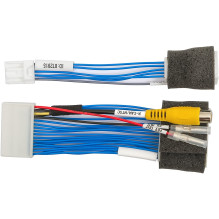
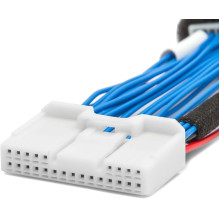
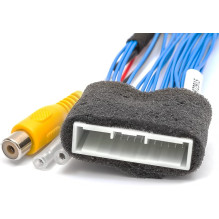
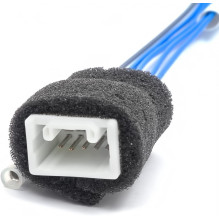
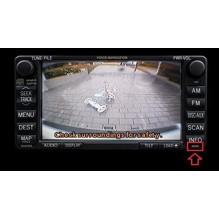
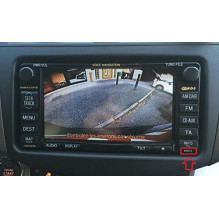
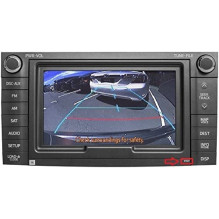
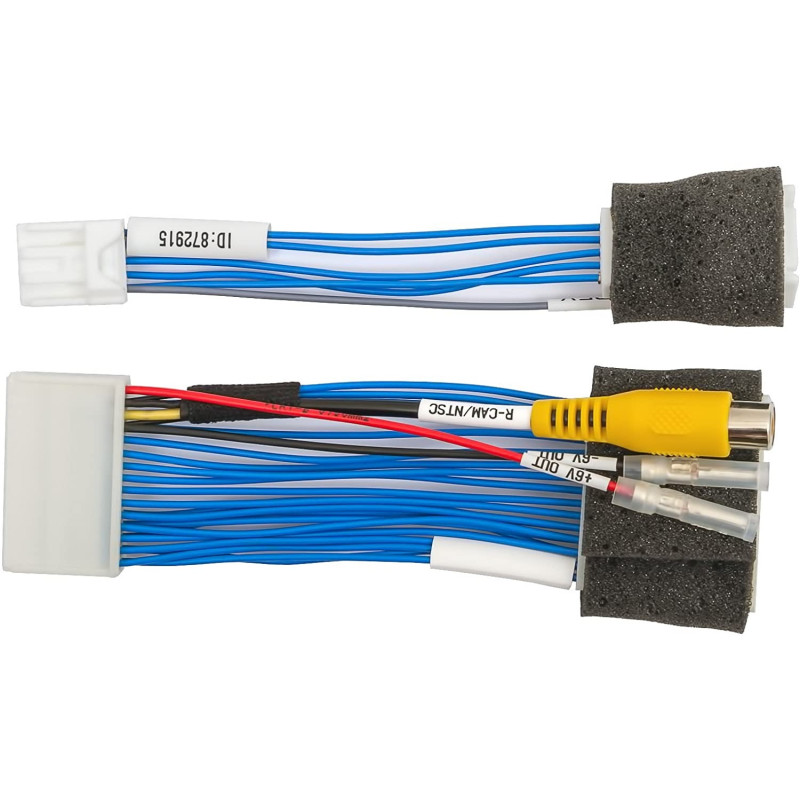
Cable for connecting a rear view camera in Toyota cars with MFD GEN5 / GEN6 multifunction displays with DVD navigation. This cable allows you to install an aftermarket camera Plug Play without damaging the car's wiring. The image from the rear view camera will automatically be displayed on the screen when reversing. The device connects to a 24-pin socket (as shown in the wiring diagram). Once connected, all OEM functions that operate via this socket are retained due to the pass-through connection type. A special cable for activating the rear view camera function is included. This cable is specifically designed for cars where the manufacturer has not included a rear view camera (the rear view camera activation signal has not been implemented in the head unit). Note:An additionally installed reversing camera should be powered from the ACC line (first key turn), otherwise the camera input will not be active. Depending on the type of camera being connected, namely the voltage required for the camera, you can use the +6V input voltage generated by the monitor. If the camera requires more than +6V, connect the camera's power supply to the ACC line.Frequently asked questions about camera and video connection cables. Compatibility:Denso GEN5 DVD Navigation in the USA Make and model:
Connecting a camera allows us to enjoy many additional features while driving, and above all, ensures safety while driving. While a rearview camera adapter won't protect us from a collision or accident, its presence will help us if we need to prove our innocence after the fact. Furthermore, the Toyota MFD GEN5/GEN6 DVD Navi Monitors rearview camera adapter allows for safe connection without damaging the vehicle's original wiring.