




Guarantee
12 month
Delivery from Europe in
4 - 14
business days
Honda Civic UFO Steering Wheel Adapter
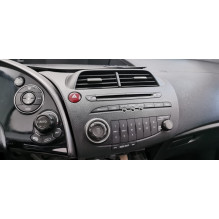
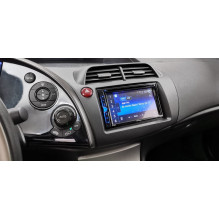
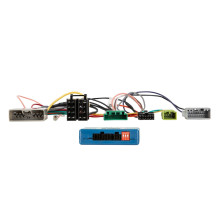
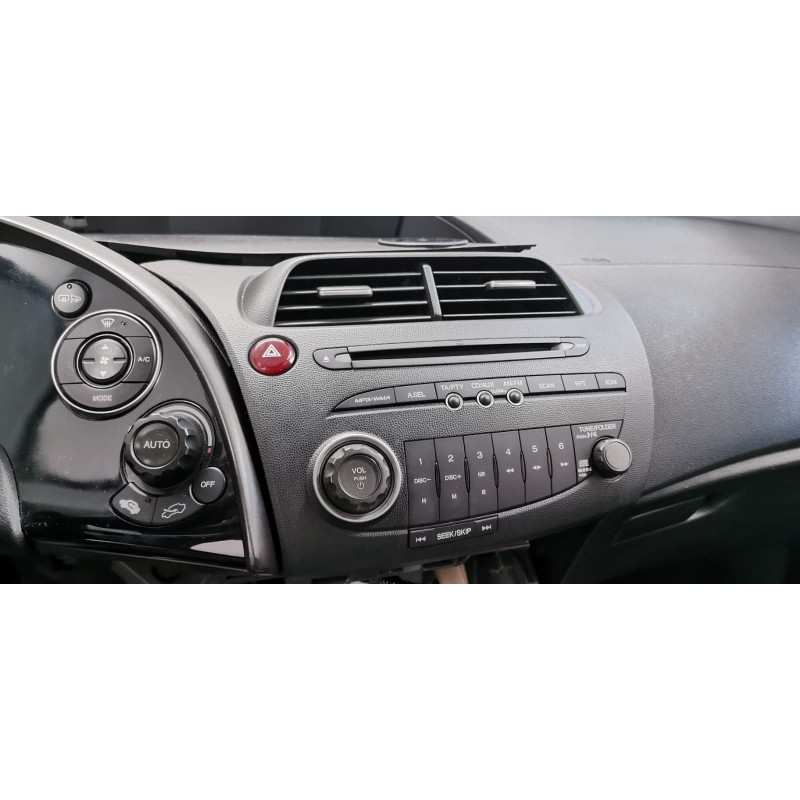
The product we offer is a steering wheel adapter for the Honda Civic UFO (8th generation) Hatchback 2005 - 2012 CTSHO002. This accessory allows you to safely install your radio and control it from the steering wheel. This solution is convenient and increases safety, as you don't have to take your hands off while driving. Another advantage of the adapter is that its installation won't affect the car's factory functions, so driving comfort won't be compromised in any way.
Check compatibility with your car
The adapter is designed for use in Honda Civic VII 2005-2012 vehicles. Hatchback models without factory navigation are only. It allows you to connect audio equipment from most popular brands, including those available in our online store.
Attention
Supported time settings:
Make and model:
The following signals are available:
Re-imported vehicles or vehicles with different software may be functionally incompatible.
Steering wheel remote control
Supported Clock Settings Supported OEM Sound System
General installation instructions:
Verification: 1: Check all operational and vehicle adjustment functions of the OEM device. 2: Disassemble the OEM device with the power off. 3: Verify correctness and continuity of all interface connections with the power off.
Connection and connection sequence: 1: Adjust the interface settings and hardware configuration with the power off. 2: Check the radio connection cable configuration. 3: Connect the radio connection cable according to the retrofit device's user manual. 4: Connect all other connections according to the retrofit device's user manual. 5: Connect the entire installation to the vehicle, ensuring the power is turned on last. 6: Configure the interface software according to the instructions in the product description and user manual. 7: Configure the retrofit device according to the retrofit device's user manual for steering wheel remote control/camera/hands-free kit/antenna phantom power and other functions. 8: Test the steering wheel remote control and vehicle for proper operation.
Hardware configuration changes to the radio interface and connection cable: 1: Changes with the power off. Make the connection after modification, see points 5 to 8 above.
In case of interface or vehicle failure: 1: Return to OEM device 2: Start OEM device 3: Establish CAN bus break 4: Check interface hardware configuration 5: Connection after CAN bus break, see points 5 to 8 above.
Connections, connection changes, alternative connections, loose cable connections or extensions to loose cable connections specified in the information text or operating instructions are intended solely for informational and guidance purposes for trained personnel.
Additional connections, changes to harness cable configurations, or the use of alternative connections or connection extensions: 1: Connections and modifications must only be performed by trained personnel. 2: Connections and modifications must be checked against any manufacturer approvals or manufacturer warranty terms that may be affected by the changes. 3: Connections and modifications must be checked for functionality and accuracy by measuring and comparing them with the vehicle wiring diagram. 4: Connected