



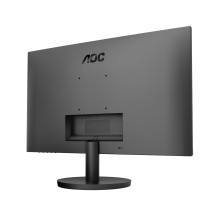
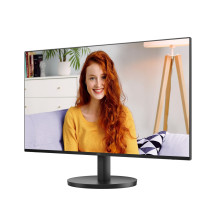
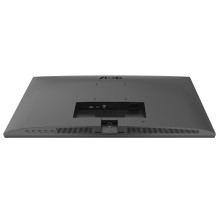
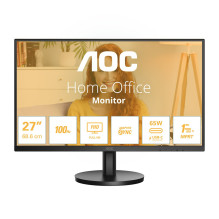
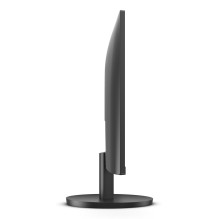
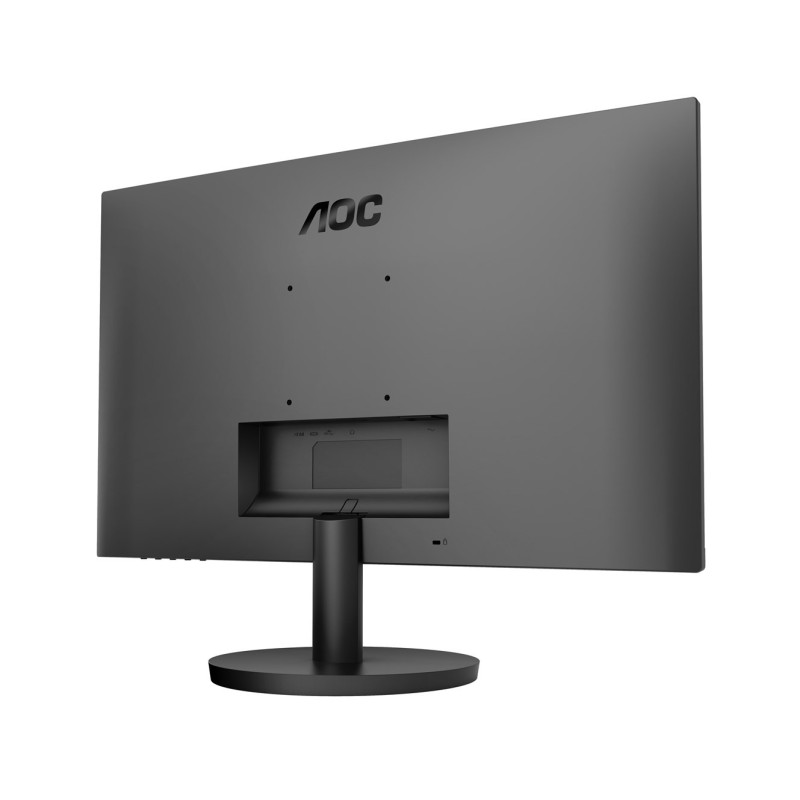

27-inch Full HD LED monitor with 1920 x 1080 pixel resolution and IPS panel. It features a 100 Hz refresh rate, 1 ms response time, and a variety of connections, including HDMI and USB Type-C.
27-inch Full HD LED monitor with 1920 x 1080 pixel resolution and IPS panel. It features a 100 Hz refresh rate, 1 ms response time, and a variety of connections, including HDMI and USB Type-C.
Guarantee
24 month
Delivery from Europe in
8 - 9
business days
27-inch Full HD LED monitor with 1920 x 1080 pixel resolution and IPS panel. Key features: 100 Hz refresh rate, 1 ms response time and various connectivity options, including HDMI and USB Type-C.
Design | |
|---|---|
| Market positioning | For home |
| Product color | Black |
Energy | |
| Power consumption (standby mode) | 0.5W |
| AC voltage | 100 - 240V |
| AC frequency | 50/60Hz |
| Energy efficiency class (EER) | E |
Operating conditions | |
| Storage relative humidity (HH) | 5 - 93% |
| Operating relative humidity (HH) | 10 - 85% |
| Default height | 0 - 12192 m |
| Storage temperature (TT) | -25 - 55 °C |
| Operating height | 0 - 5000 m |
| Operating temperature (OT) | 0 - 40 °C |
Screen | |
| Pixel density | 82ppi |
| Visible size, vertical | 29.6 cm |
| High Dynamic Range (HDR) support | Yes |
| Contrast ratio (average) | 1300:1 |
| Pixel pitch | 0.3114 x 0.3114 mm |
| Vertical scanning range | 48 - 100 Hz |
| Lighting type | W-LED |
| Horizontal scanning range | 30 - 115 kHz |
| Maximum refresh rate | 100Hz |
| Visible size, horizontal | 52.7 cm |
| Viewing angle, vertical | 178° |
| Number of display colors | 16.7 million colors |
| Screen brightness (average) | 250 cd/m² |
| Native video format | 16:9 |
| Viewing angle, horizontal | 178° |
| Screen shape | Flat |
Multimedia | |
| Number of speakers | 2 |
| RMS power | 2W |
Ergonomics | |
| Cable lock type hole | Kensington |
| Panel mounting interface | 100 x 100 mm |
Ports and interfaces | |
| Number of HDMI ports | 1 |
| Number of USB Type-C downstream ports | 1 |
| HDMI version | 1.4 |
| USB Type-C DisplayPort Alternate Mode | Yes |
Safety warning | |
| Warnings | Unplug the monitor from the power source before cleaning. Do not hold the monitor body to avoid electric shock. Place the monitor on a flat and stable surface to prevent it from falling over and being damaged. |