
-
−10%
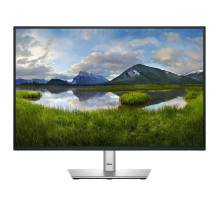 1920 x 1200 pikselių WUXGA LCD Juoda")
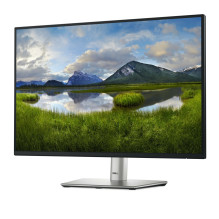 1920 x 1200 pikselių WUXGA LCD Juoda")
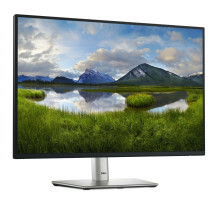 1920 x 1200 pikselių WUXGA LCD Juoda")
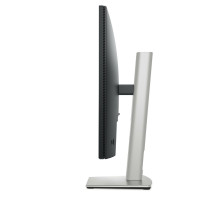 1920 x 1200 pikselių WUXGA LCD Juoda")
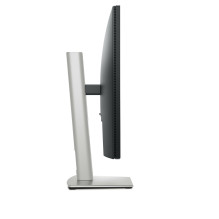 1920 x 1200 pikselių WUXGA LCD Juoda")
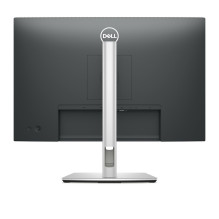 1920 x 1200 pikselių WUXGA LCD Juoda")
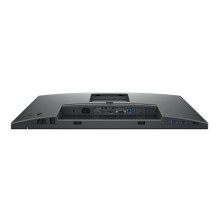 1920 x 1200 pikselių WUXGA LCD Juoda")
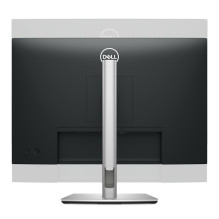 1920 x 1200 pikselių WUXGA LCD Juoda")
 1920 x 1200 pikselių WUXGA LCD Juoda")
 1920 x 1200 pikselių WUXGA LCD Juoda")
 1920 x 1200 pikselių WUXGA LCD Juoda")
 1920 x 1200 pikselių WUXGA LCD Juoda")


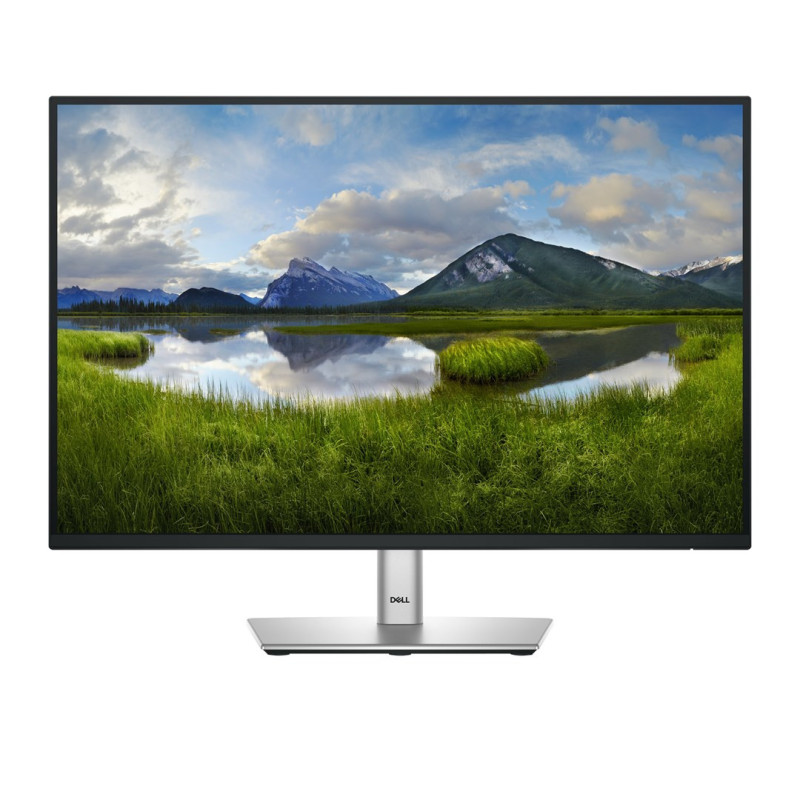
DELL Pro Plus P2425 kompiuterio monitorius 61,1 cm (24,1") 1920 x 1200 pikselių WUXGA LCD Juoda
DELL Pro Plus P2425 kompiuterio monitorius 61,1 cm (24,1") 1920 x 1200 pikselių WUXGA LCD Juoda
Garantija
36 mėn.
Pristatymas iš Europos
per 4 - 8*
d. d.
| Priekinio rėmelio spalva | Juoda |
| Pėdų spalva | Pilka |
| Produkto spalva | Juoda |
| Energijos vartojimo efektyvumo klasė (SDR) | D |
| Energijos suvartojimas (SDR) per 1000 valandų | 14 kWh |
| Energijos vartojimo efektyvumo klasė (HDR) | Nėra |
| Energijos vartojimo efektyvumo skalė | Nuo A iki G |
| Europos energijos vartojimo efektyvumo ženklinimo gaminių registro (EPREL) kodas | 1870858 |
| Įėjimo srovė | 1,5 A |
| Energijos suvartojimas (maks.) | 74 W |
| Maitinimo šaltinio tipas | Vidinis |
| Energijos suvartojimas (budėjimo režimu) | 0,3 W |
| Energijos suvartojimas (tipinis) | 13,6 W |
| Kintamosios srovės įvesties dažnis | 50/60 Hz |
| Kintamosios srovės įėjimo įtampa | 100–240 V |
| Energijos suvartojimas (išjungtas) | 0,3 W |
| Darbinė temperatūra (TT) | 0–40 °C |
| Sandėliavimo santykinė drėgmė (HH) | 5–90 % |
| Darbinė santykinė drėgmė (HH) | 10–80 % |
| Laikymo temperatūra (TT) | -20–60 °C |
| Eksploatavimo aukštis | 0–5000 m |
| Neveikiantis aukštis | 0–12192 m |
| Rėmelio plotis (viršuje) | 6,7 mm |
| Rėmelio plotis (šonuose) | 6,7 mm |
| Aukštis (su stovu) | 364 mm |
| Svoris (su stovu) | 4,66 kg |
| Plotis (be stovo) | 531,8 mm |
| Gylis (be stovo) | 50 mm |
| Svoris (be stovo) | 3,15 kg |
| Rėmelio plotis (apačioje) | 1,3 cm |
| Aukštis (be stovo) | 343,7 mm |
| Gylis (su stovu) | 181,8 mm |
| Plotis (su stovu) | 531,8 mm |
| Palaikomos „Mac“ operacinės sistemos | „MacOS“ |
| NVIDIA G-SYNC | Ne |
| Palaikomos „Windows“ operacinės sistemos | Taip, „Windows 10“ |
| Mirgėjimo prevencijos technologija | Taip |
| AMD laisvasis sinchronizavimas | Ne |
| DisplayPort kabelio ilgis | 1,8 m |
| Stovas pridedamas | Taip |
| Pridedami laidai | HDMI, USB A tipo į USB B tipo, DisplayPort |
| HDMI kabelio ilgis | 1,8 m |
| Greito paleidimo vadovas | Taip |
| Reakcijos laikas (greitas) | 5 ms |
| Palaikomos grafikos skiriamosios gebos | 640 x 480 (VGA), 1920 x 1200 (WUXGA), 1280 x 1024 (SXGA), 1600 x 1200, 1152 x 864 (XGA+), 1920 x 1080 (HD 1080), 800 x 600 (SVGA), 1024 x 768 (XGA), 1280 x 720 (HD 720), 720 x 400 |
| Ekrano forma | Butas |
| Vertikalus skenavimo diapazonas | 48–76 Hz |
| Paviršiaus kietumas | 3 val. |
| Matomas dydis įstrižai | 61,1 cm |
| Apsauginis ekranas nuo akinimo | Taip |
| Rodomas spalvų skaičius | 16,7 milijono spalvų |
| Matomas dydis, horizontalus | 51,8 cm |
| Skydelio tipas | IPS |
| „Dell ComfortView“ technologija | Taip |
| Žiūrėjimo kampas, horizontalus | 178° |
| Maksimalus atnaujinimo dažnis | 100 Hz |
| Žiūrėjimo kampas, vertikalus | 178° |
| Kontrasto santykis (tipinis) | 1500:1 |
| Horizontalus skenavimo diapazonas | 30–83 kHz |
| Matomas dydis, vertikalus | 32,4 cm |
| Pikselių žingsnis | 0,27 x 0,27 mm |
| HD tipo | WUXGA |
| Ekrano technologija | LCD |
| sRGB aprėptis (tipinė) | 99% |
| Foninio apšvietimo tipas | LED |
| Ekrano įstrižainė (metrinė) | 61 cm |
| Pikselių tankis | 94,07 ppi |
| Jutiklinis ekranas | Ne |
| Ekrano ryškumas (tipinis) | 300 cd/m² |
| Natūralus kraštinių santykis | 16:10 |
| Ekrano įstrižainė | 61,1 cm (24,1 colio) |
| Ekrano raiška | 1920 x 1200 pikselių |
| LED foninis apšvietimas | Taip |
| Reakcijos laikas | 8 ms |
| Įmontuotas(-i) garsiakalbis(-iai) | Ne |
| Integruota kamera | Ne |
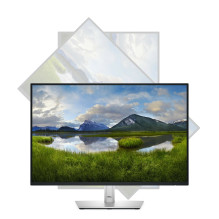
| Pivot | Taip |
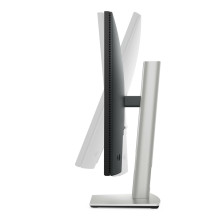
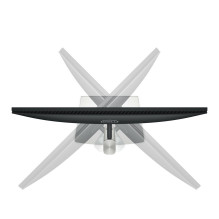
| Pasukamas | Taip |
| Kabelio užrakto lizdo tipas | Kensingtonas |
| Kabelių valdymas | Taip |
| Pasukimo kampas | -90–90° |
| Prijunk ir žaisk | Taip |
| Pasukimo kampo diapazonas | -45–45° |
| Ekrano meniu (OSD) | Taip |
| Aukščio reguliavimas | Taip |
| Pakreipimo reguliavimas | Taip |
| VESA tvirtinimas | Taip |
| Skydinio montavimo sąsaja | 100 x 100 mm |
| LED indikatoriai | Taip |
| Reguliuojamas aukštis (maks.) | 15 cm |
| Pakreipimo kampo diapazonas | -5–21° |
| Kabelio užrakto lizdas | Taip |
| USB C tipo atsisiuntimo prievadų kiekis | 1 |
| USB A tipo įėjimo prievadų kiekis | 3 |
| HDCP versija | 1.4 |
| Ausinių išvestis | Ne |
| USB B tipo išsiuntimo prievadų skaičius | 1 |
| USB maitinimo šaltinis iki | 15 W |
| Įėjimo prievadų skaičius | 1 |
| USB įkėlimo prievado tipas | USB B tipo |
| USB maitinimo tiekimas (USB PD) | Taip |
| DisplayPort versija | 1.2 |
| Kintamosios srovės (maitinimo) įėjimas | Taip |
| HDMI | Taip |
| HDMI prievadų kiekis | 1 |
| Integruotas USB šakotuvas | Taip |
| HDMI versija | 1.4 |
| VGA (D-Sub) prievadų kiekis | 1 |
| HDCP | Taip |
| DisplayPort kiekis | 1 |
| Atitikties sertifikatai | TÜV ženklas, RoHS |
| Įspėjimai | Prieš valydami atjunkite monitorių nuo maitinimo šaltinio., Neardykite monitoriaus korpuso, kad išvengtumėte elektros smūgio pavojaus., Padėkite monitorių ant lygaus ir stabilaus paviršiaus, kad jis neapvirstų ir nepažeistų. |
| „Dell Display Manager“ (DDM) suderinamumas | Taip |
| Nesudėtyje nėra | Arsenas, Gyvsidabris, PVC/BFR |
| Tvarumo sertifikatai | „ENERGY STAR“, Bendrosios išlaidos |
| Tvarumo atitiktis | Taip |
| Anglies dioksido išmetimas, logistika (kg CO2e) | 12.636 |
| Anglies dioksido išmetimas, gamyba (kg CO2e) | 78,57 |
| Bendras anglies pėdsakas (kg CO2e) | 162 |
| Anglies dioksido išmetimas gyvavimo ciklo pabaigoje (kg CO2e) | 3.888 |
| PAIA versija | „GaBi“ 1 versija, 2024 m. |
| Anglies dioksido išmetimas, energijos suvartojimas (kg CO2e) | 66.744 |