




Guarantee
12 month
Delivery from Europe in
11 - 21
business days
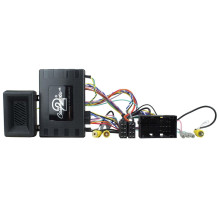
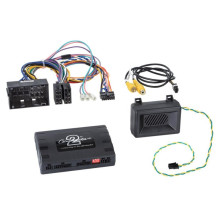
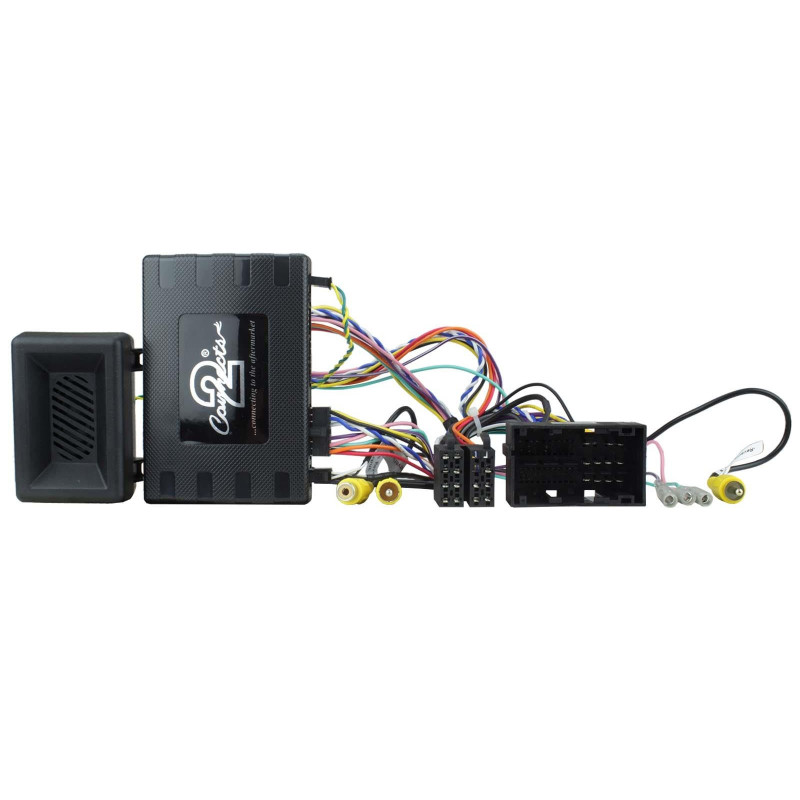
Jeep Renegade OEM Radio Adapter. We offer an adapter that allows you to maintain your vehicle's original settings and conveniently control features like air conditioning, parking assist, and seat heating in an aftermarket device. This original product is from the German brand ACV, which has been producing professional car accessories for many years. Designed for Jeep Renegade models from 2015 or newer, it increases driving comfort and safety. Enhanced sound quality and full functionality. The OEM radio adapter allows you to use an aftermarket multimedia device in your vehicle without sacrificing the vehicle's factory features. This allows your vehicle to retain full functionality while enjoying high-quality audio!Make and model:
not for vehicles with factory:
Settings: If the odometer is flashing, you need to enter the Infodapter menu. Press and hold the speech button for a few seconds from the main menu, go to the Infodapter settings: Preferences, Configuration Menu, and try several settings from 0 to 3 (setting 2 is the most common, try it first). After changing the settings, you should restart the interface - do not disconnect the power and let the car rest for 15-20 minutes. This will cause the interface to send a new command to the vehicle.